
Pico Dev
Run the samples. Turn spatial interaction into reusable practice.
DarkString’s working log for PICO Spatial SDK development, device trials, code walkthroughs, and video notes. Phase one starts with the official samples and builds a repeatable prepare–run–observe–review baseline.
View PICO examples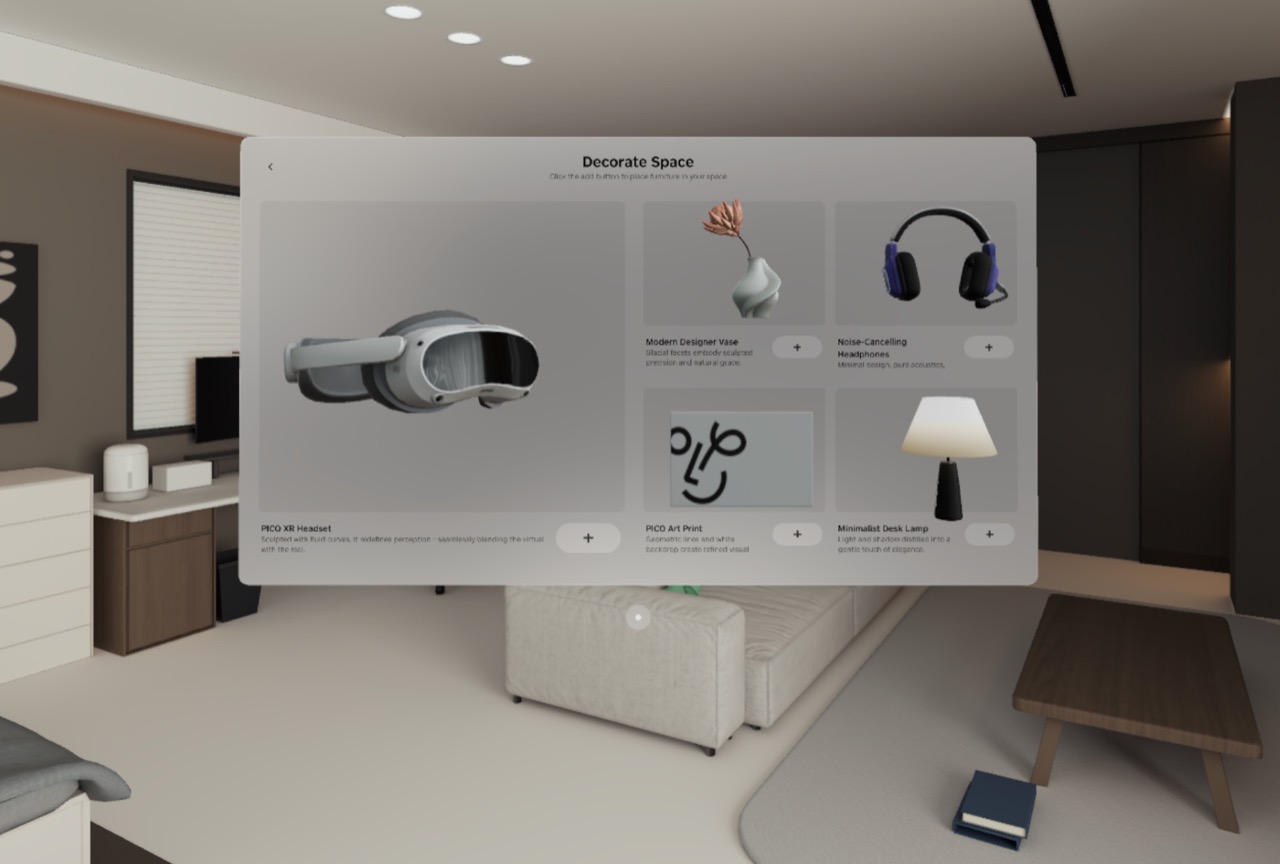
First-pass experience checklist
All seven samples have been built and launched in the emulator. Real mesh scanning and SpatialML inference remain device-only by design.
Welcome Space
v0.10.7Move from a planar window into Volume and Full Space to understand a complete spatial app structure.
- 01Browse the furniture library and rotate 3D previews
- 02Test scale, reset, and lighting inside a Volume
- 03Enter Full Space and verify cross-container state
Animation
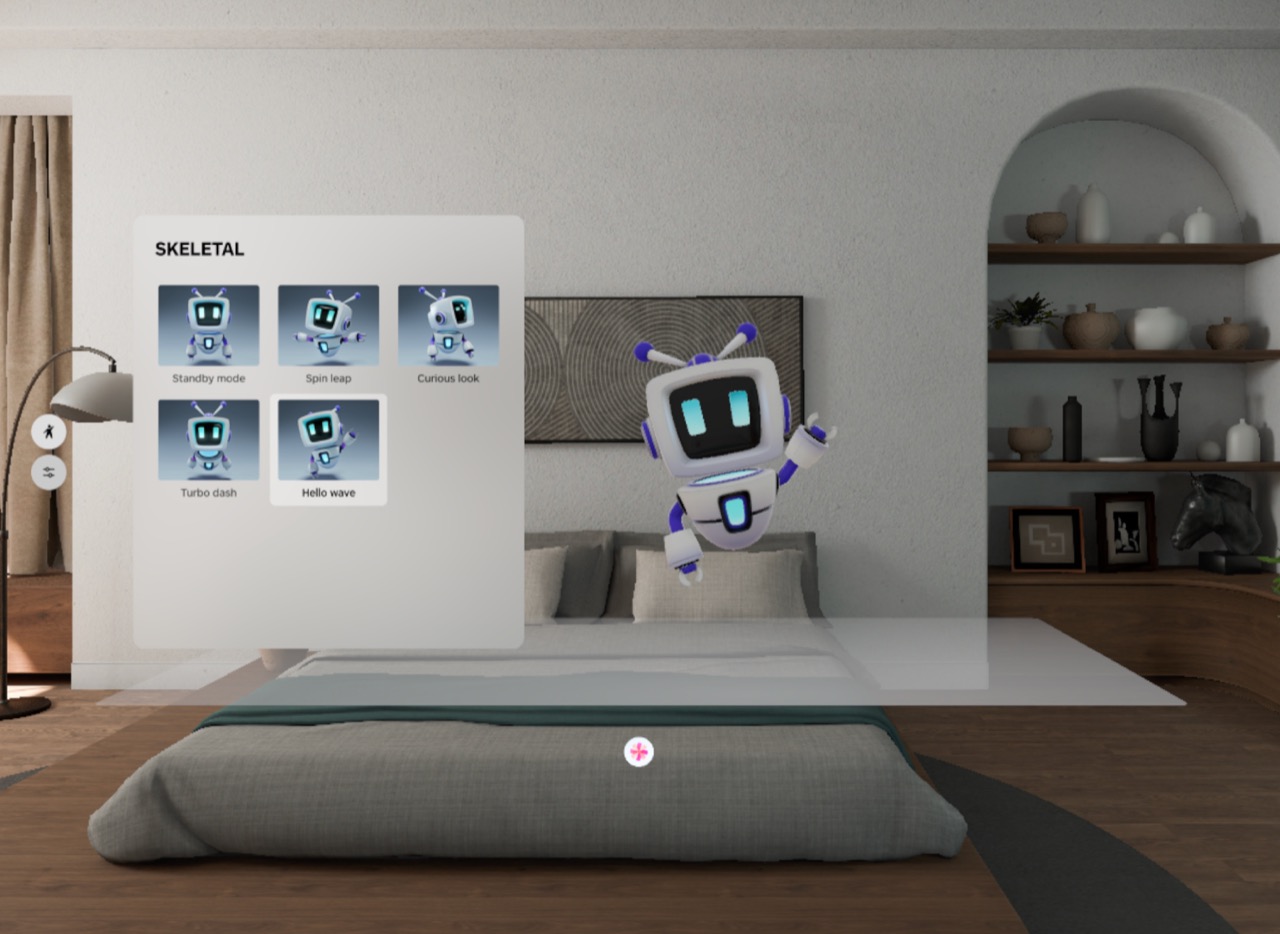
v0.10.7Compare skeletal and tween animation while observing playback state and resource lifecycle.
- 01Switch robot skeletal animation states
- 02Adjust tween transforms, materials, and speed
- 03Verify pause, replay, and cleanup after leaving
Physics
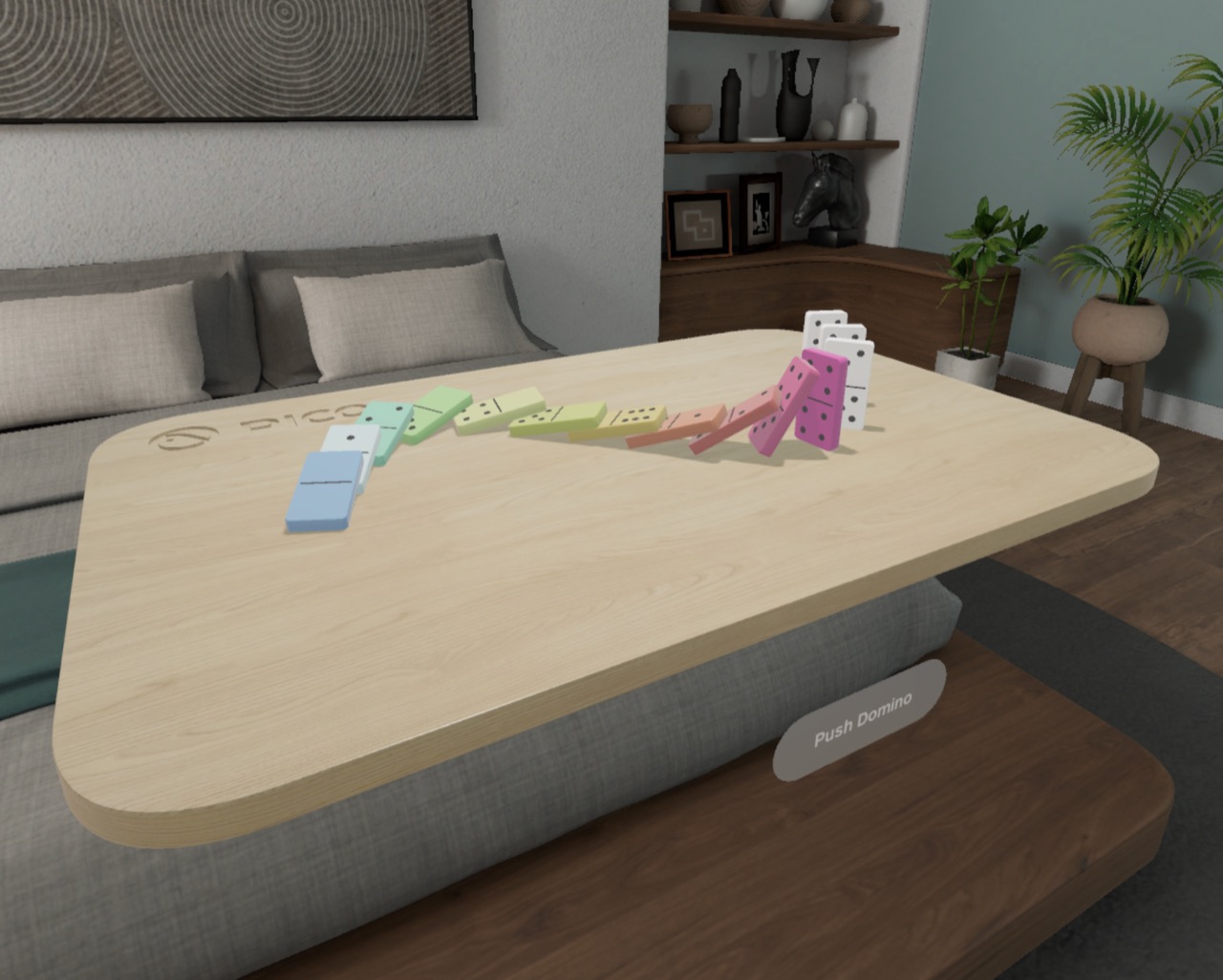
v0.10.7Use a domino scene to inspect rigid bodies, collision response, and collision events end to end.
- 01Trigger and reset the domino chain reaction
- 02Inspect gravity, friction, and colliders
- 03Confirm collision callbacks drive material changes
Spatial Audio
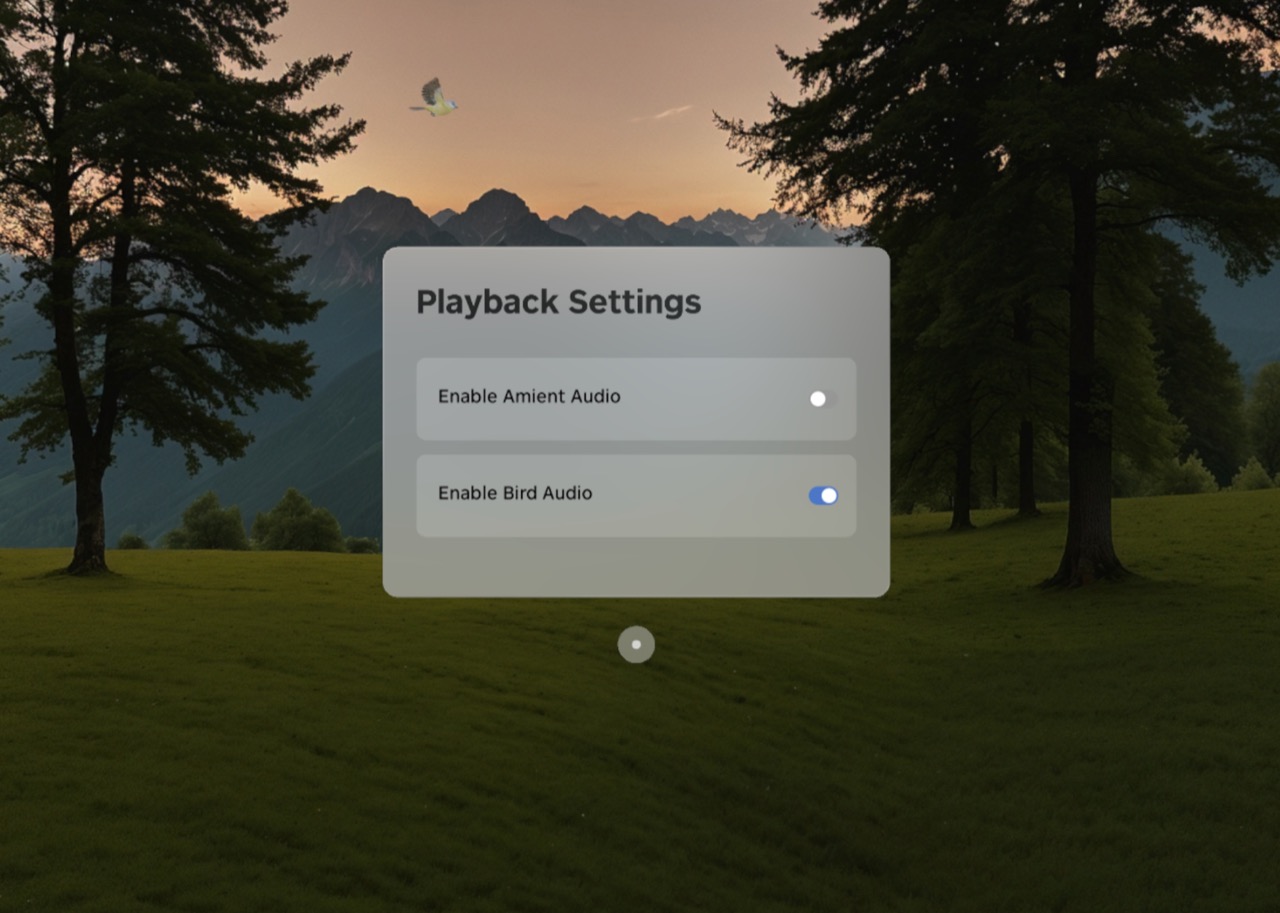
v0.10.7Separate ambient sound from object audio attached to a moving entity in an immersive scene.
- 01Extract the source and complete the first build
- 02Toggle ambience and bird audio independently
- 03Move the viewpoint and note direction and distance cues
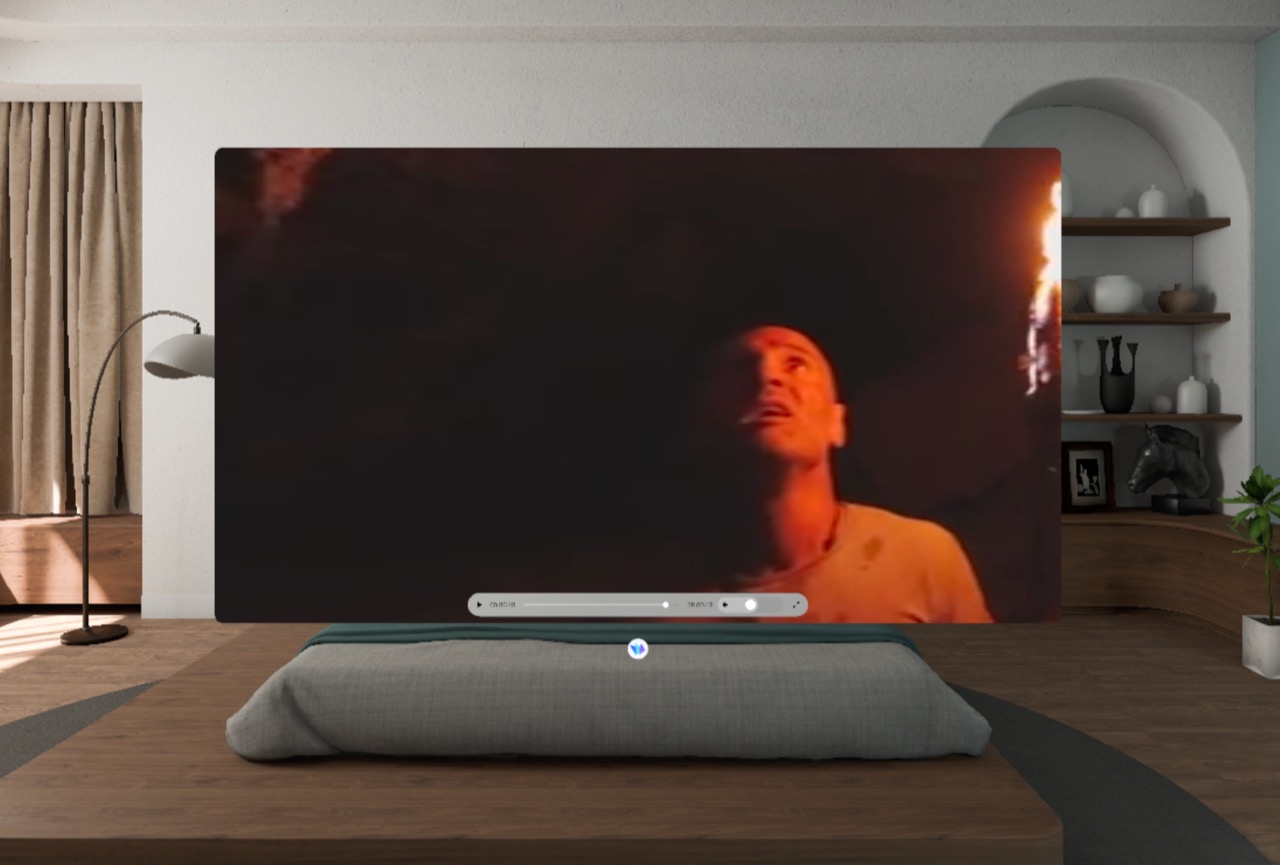
Spatial Video
v0.10.7Compare planar, Portal, and 360° immersive modes with 4K/8K SBS video.
- 01Test playback, seeking, and volume controls
- 02Switch between Portal and 360° modes
- 03Record 4K/8K clarity, loading, and thermal differences
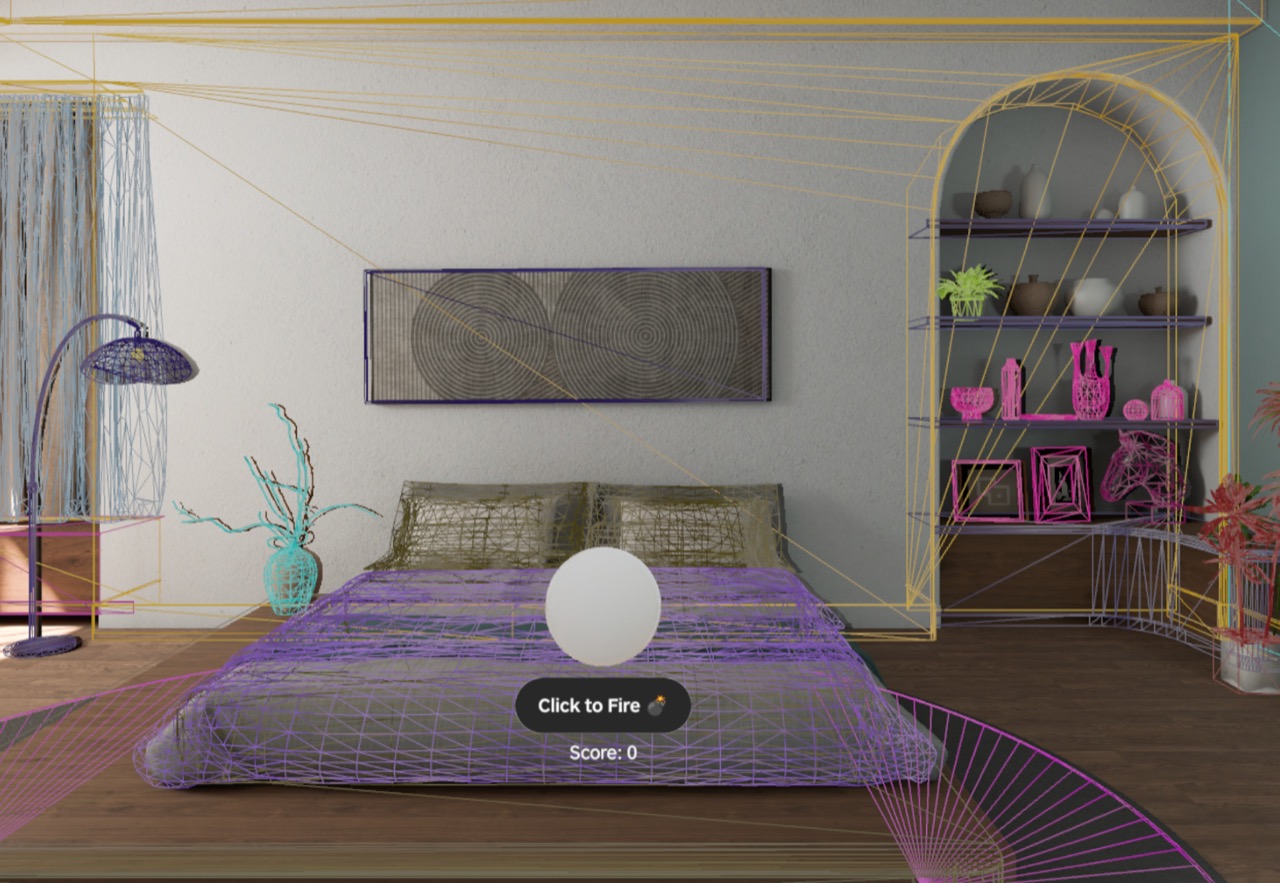
Spatial Mesh
v0.10.7Scan the real-world mesh and align visible geometry, colliders, and projectile feedback.
- 01Start, update, and stop spatial scanning
- 02Check added, updated, and removed anchor stability
- 03Shoot walls and furniture; note collision, score, and audio
Spatial ML
v0.10.7Compare real-time super resolution in RelaxMR and SecureMR, then verify the VQA flow.
- 01Test permissions and model loading on a PICO OS 6 device only
- 02Compare imagery and privacy boundaries in both modes
- 03Configure a VQA backend or Volcano Ark key and test Ask AI
Articles and video notes
Each article includes run evidence, capability boundaries, core code, and issues found during this pass.
Welcome Space
This is more than a furniture browser: planar navigation handles selection, a Volume handles inspection, and a Stage handles immersive placement.
Animation
One robot demonstrates the difference between embedded skeletal clips and programmatic transform/material tweening.
Physics
The sample joins mesh colliders, physics materials, dynamic rigid bodies, initial velocity, and collision events into one observable loop.
Spatial Audio
Forest ambience belongs to the environment entity while bird calls belong to the flying entity, so object-audio direction follows its Transform.
Spatial Video
The player owns decoding and time state, while VideoPlayerComponent chooses the target mesh and material, allowing planar, Portal, and 360° modes to share one playback core.
Spatial Mesh
The sample maps mesh-anchor add/update/remove events to wireframe entities and static colliders, then interacts with them through pooled projectiles.
Spatial ML
One camera super-resolution pipeline has two output policies: SecureMR isolates and renders through the system, while RelaxMR allows readback, textures, and VQA.
Conclusions must come from an actual run. Source inference, emulator observation, and device results are labeled separately.