
DarkString / Topic guide
PICO Spatial App Development: Examples and Verification
This PICO guide connects seven development notes by capability. Start with application structure, then explore interaction, media and spatial understanding. Each note preserves its environment, results, code and screenshots so you can assess its relevance to a project.
Understand the application structure first
Start with Welcome Space to explore Window, Volume and Full Space. Continue with Animation and Physics to examine state, resource lifecycles and collision feedback.
Explore media and spatial understanding
Spatial Audio and Spatial Video address spatial media. Spatial Mesh and Spatial ML explore environment and perception capabilities. Choose notes by task instead of treating every example as a required dependency.
Distinguish emulator evidence from device tests
The notes describe their SDK versions and runtime environments. Emulator success does not establish device acceptance. Device-required items remain marked as such; assess the target hardware and project requirements before choosing a solution.
Development notes by capability
Welcome Space
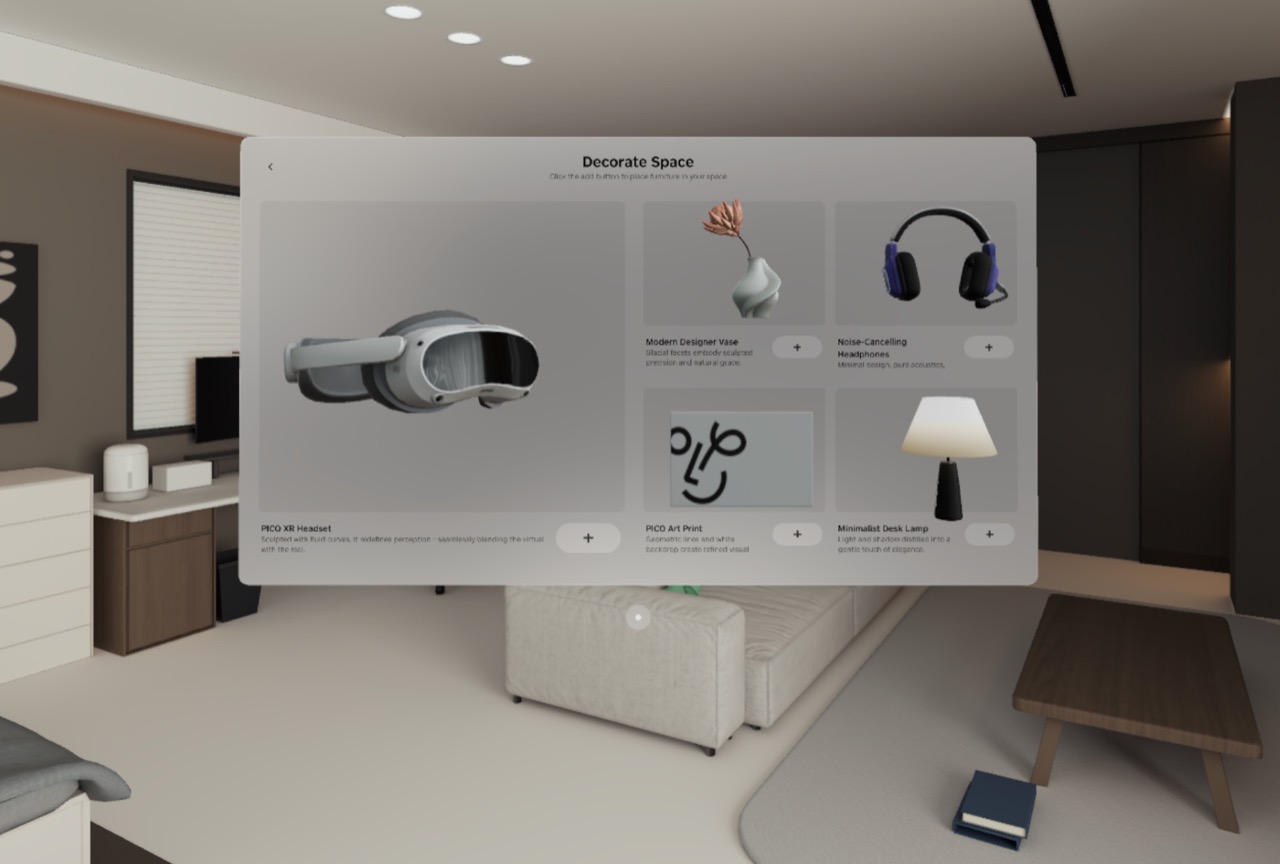
This is more than a furniture browser: planar navigation handles selection, a Volume handles inspection, and a Stage handles immersive placement.
Animation
One robot demonstrates the difference between embedded skeletal clips and programmatic transform/material tweening.
Physics
The sample joins mesh colliders, physics materials, dynamic rigid bodies, initial velocity, and collision events into one observable loop.
Spatial Audio
Forest ambience belongs to the environment entity while bird calls belong to the flying entity, so object-audio direction follows its Transform.
Spatial Video
The player owns decoding and time state, while VideoPlayerComponent chooses the target mesh and material, allowing planar, Portal, and 360° modes to share one playback core.
Spatial Mesh
The sample maps mesh-anchor add/update/remove events to wireframe entities and static colliders, then interacts with them through pooled projectiles.
Spatial ML
One camera super-resolution pipeline has two output policies: SecureMR isolates and renders through the system, while RelaxMR allows readback, textures, and VQA.
Questions and answers
Are all seven notes completed commercial projects?
No. They are capability examples and development verification records. Use the environment, screenshots and limitations in each note to assess the evidence. Commercial delivery requires separate project acceptance.
How can an example become a business prototype?
Define the user task, select the relevant containers and interactions, then introduce business assets. Share the target device, assets and workflow through the spatial computing service page.
Explore further
Share the audience, available assets, device or model constraints, and the task you want to complete.
Discuss a project →