
Spatial ML
The privacy boundary between SecureMR and RelaxMR
One camera super-resolution pipeline has two output policies: SecureMR isolates and renders through the system, while RelaxMR allows readback, textures, and VQA.
- Capability
- SpatialML, SecureMR, image readback, and VQA
- Environment
- Entry UI only on emulator; inference needs a PICO OS 6 device
- Result
- APK and mode entry verified; ML is officially unsupported in emulator
Emulator capture
Captured from the local PICO Emulator 0.10 run; no mockup is used as test evidence.
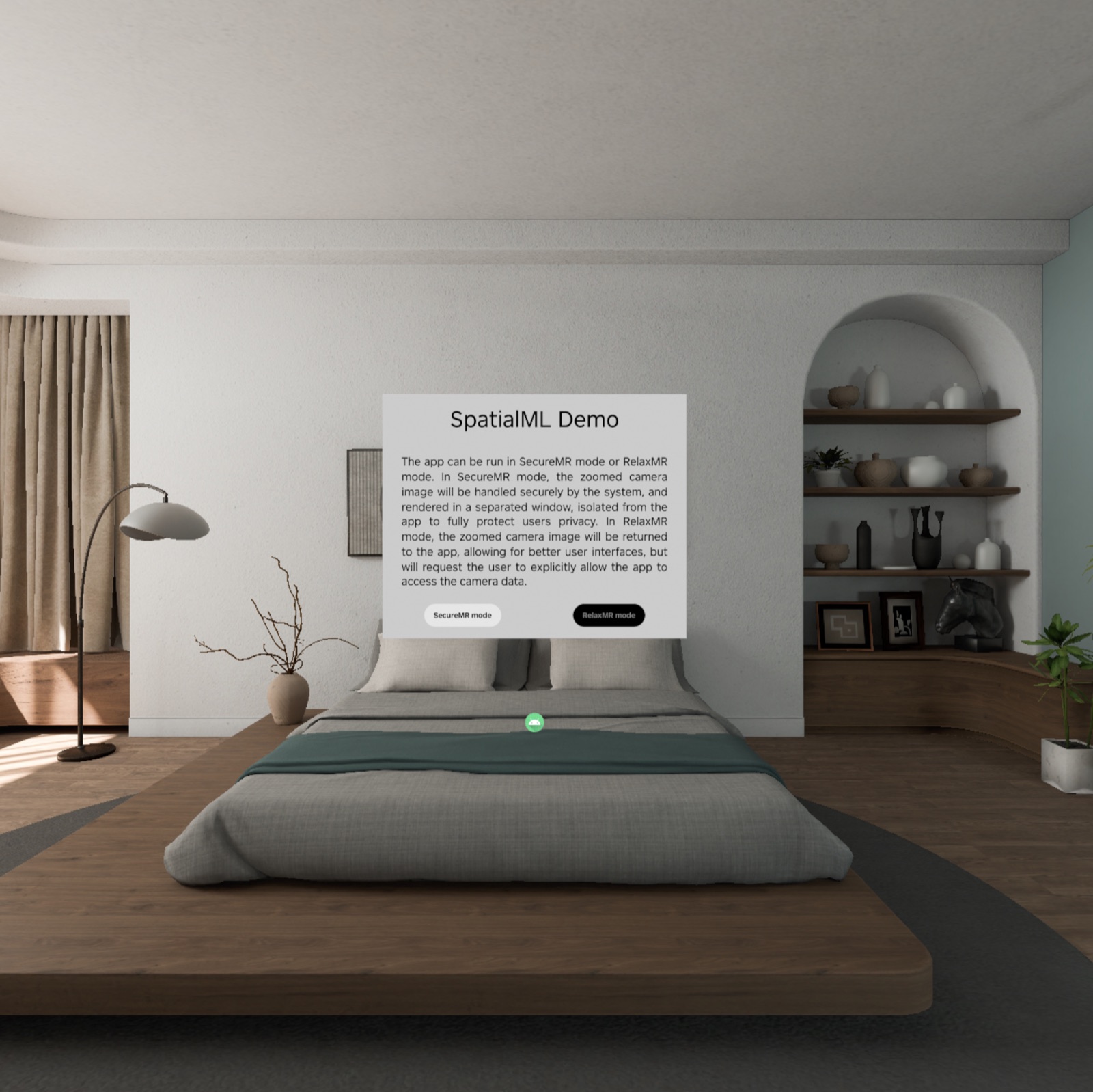
Boundary: opening the UI is not SpatialML support
The APK installs and the emulator shows SecureMR/RelaxMR selection—the screenshot on this page. The project README explicitly says the emulator does not support SpatialML, so this is not recorded as inference success. Device testing must cover camera permission, deployment, frame rate, readback, and VQA.
Core code: confirm mode before initialization
SrViewModel separates selected and confirmed states. SrAlgorithmImpl is created only after SECURE_MR_CONFIRMED or RELAX_MR_CONFIRMED; RelaxMR also needs camera permission.
if (appMode.value !in confirmedModes) return
superResolution = SrAlgorithmImpl(
  appContext,
  viewModelScope,
  useSecureMr = appMode.value == SECURE_MR_CONFIRMED
)
superResolution.mainPipeline.runContinuously(10, initTask)
Secure mode is a data boundary, not a visual theme.
Core code: pipeline, dynamic texture, and readback
The pipeline reads rectified passthrough input and applies an affine transform into a dynamic texture. SecureMR binds it to an isolated scene graph; RelaxMR can read it back as TensorContent or TextureResource for UI and VQA.
rectifiedVSTAccess(rightImageResult = rightEyeImg)
applyAffine(zoomAffine, rightEyeImg, dynamicTexture)

fun imageReadBack() = scope.async {
  dynamicTexture.readbackContentSuspend()
}
VQA also needs a backend API key; Ask AI remains disabled without one.